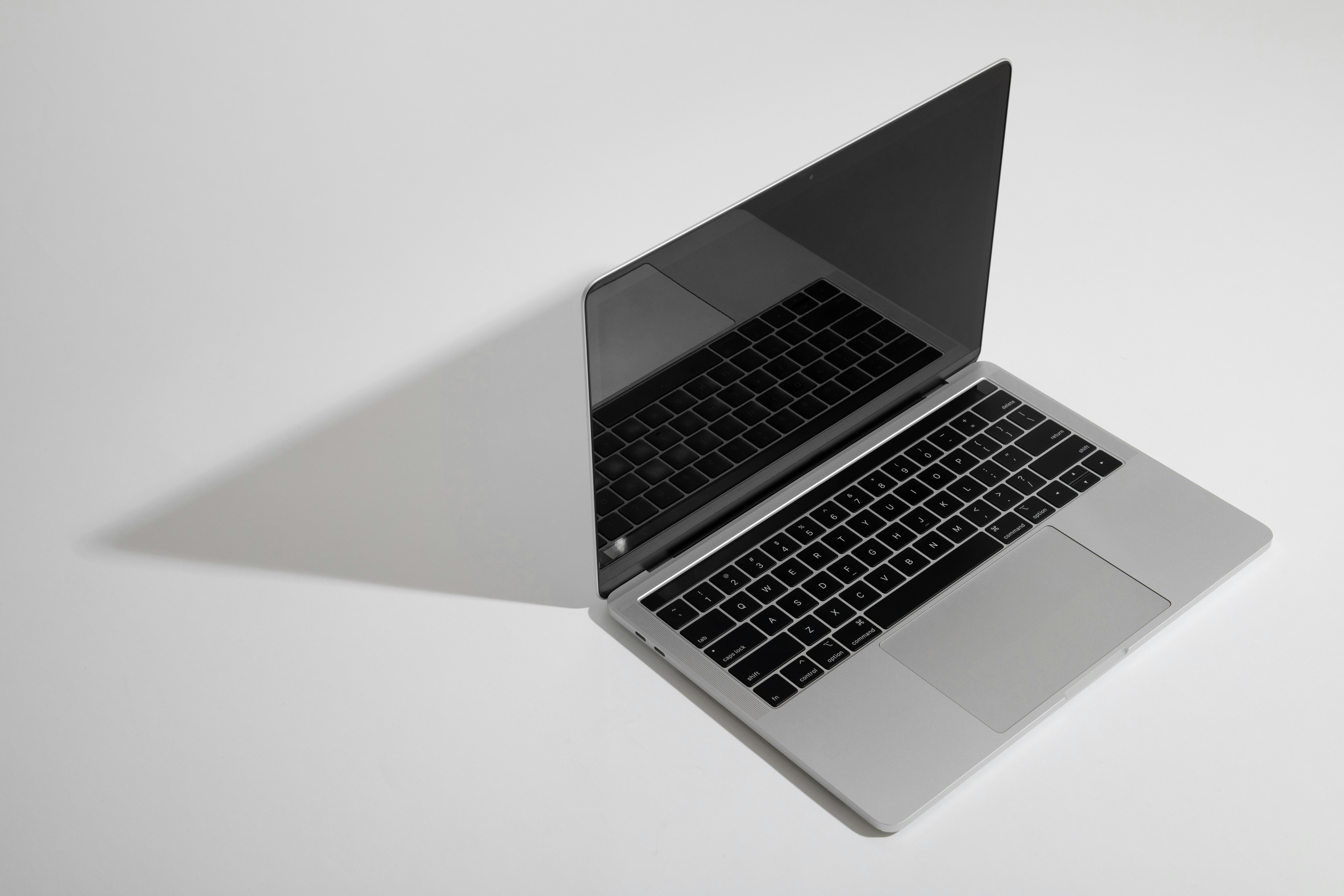
If you've been searching for the smartest way to sell used MacBook Air and walk away with real cash, you're in the right place. Whether it's an older M1, a sleek M2, or a newer M3 or M4 model gathering dust, your MacBook Air still holds serious resale value, when you sell it in the right place.
At The Tech Buyers, we make selling your laptop fast, safe, and rewarding: instant quotes, free shipping, and guaranteed payment in one business day. Here's everything you need to know to turn your used MacBook Air into cash.
MacBooks depreciate every time Apple releases a new chip. The jump from M1 to M2, M3, and now M4 means older models lose value steadily over time. Selling while your device is still in demand puts more money in your pocket.
Here's why now is the right moment:
If you've already upgraded, there's no reason to hold on to your old one. Get a free quote and see what your MacBook Air is worth in seconds.
The buyback value of a used MacBook Air depends on a handful of factors:
Even a dented lid, a worn battery, or a cracked screen doesn't mean your laptop is worthless. As a trusted broken-electronics buyer, we still make competitive offers on damaged Macs. To see your exact figure, head to our MacBook buyback page, select your model, and get an instant, no-obligation quote.
We keep the whole process simple, no haggling, no hidden fees, no surprises.
Choose your MacBook Air model, configuration, and condition on our MacBook selling page. You'll get a locked-in price straight away, valid for 7 days.
Once you accept, we email you a free prepaid shipping label. Just pack your MacBook securely and drop it off at any UPS location. Shipping never costs you a cent.
As soon as your laptop arrives, we inspect it and securely wipe all your data. You receive guaranteed payment within 1 business day, sent to your preferred payment method.
Three steps and you're done. Want the finer details? Visit our How It Works overview.
We buy a wide range of MacBook Air models across every generation, including:
Don't see your exact model? Browse the full lineup on our MacBook device selector and pick yours to get a tailored quote.
There are plenty of places to offload a laptop, so why choose us to sell your used MacBook Air?
Don't just take our word for it, read real feedback on our customer reviews page, where sellers regularly mention smooth MacBook shipments and higher-than-expected offers.
A few quick steps protect your data and keep the payout smooth:
Doing this keeps your information private and ensures a fast inspection on our end. More answers are waiting in our FAQ section.
Clearing out your whole Apple setup? We buy far more than laptops. Alongside your MacBook Air, you can also:
Selling multiple devices at once? Our bulk sale program rewards you with bonus payouts, perfect for businesses, schools, or anyone offloading several gadgets together.
How do I sell my used MacBook Air for the most money? Sell while your model is still in demand, keep it in the best condition possible, and include the charger. Then get a quote on our MacBook page to lock in a competitive price.
Can I sell a MacBook Air with a cracked screen or bad battery? Yes. We buy damaged Macs. The offer will be lower than for a flawless unit, but your laptop still has real value.
Do I need to erase my MacBook before selling? Yes, we recommend backing up and factory-resetting it first. As a safeguard, we also fully wipe every device during inspection.
How quickly will I get paid? Payment is guaranteed within one business day after we receive and inspect your MacBook Air.
Is it safe to sell my used MacBook Air online? Absolutely. We use secure, encrypted systems and free insured shipping, and thousands of sellers have completed transactions with us, as you can see on our testimonials page.